A bill is a small book of sheets that all depend on each other: the Schedule of Work, the measurements, the Abstract, the Cement statement and the rest. Every rate on it has to match the rate book to the paise, and the AE checks every line by its S.No. ContractBill keeps all of those sheets in step for you.
The 3 steps
- Send the Schedule of Work. A photo of the paper is enough. Send the award letter with it and your bill gets your details printed on it.
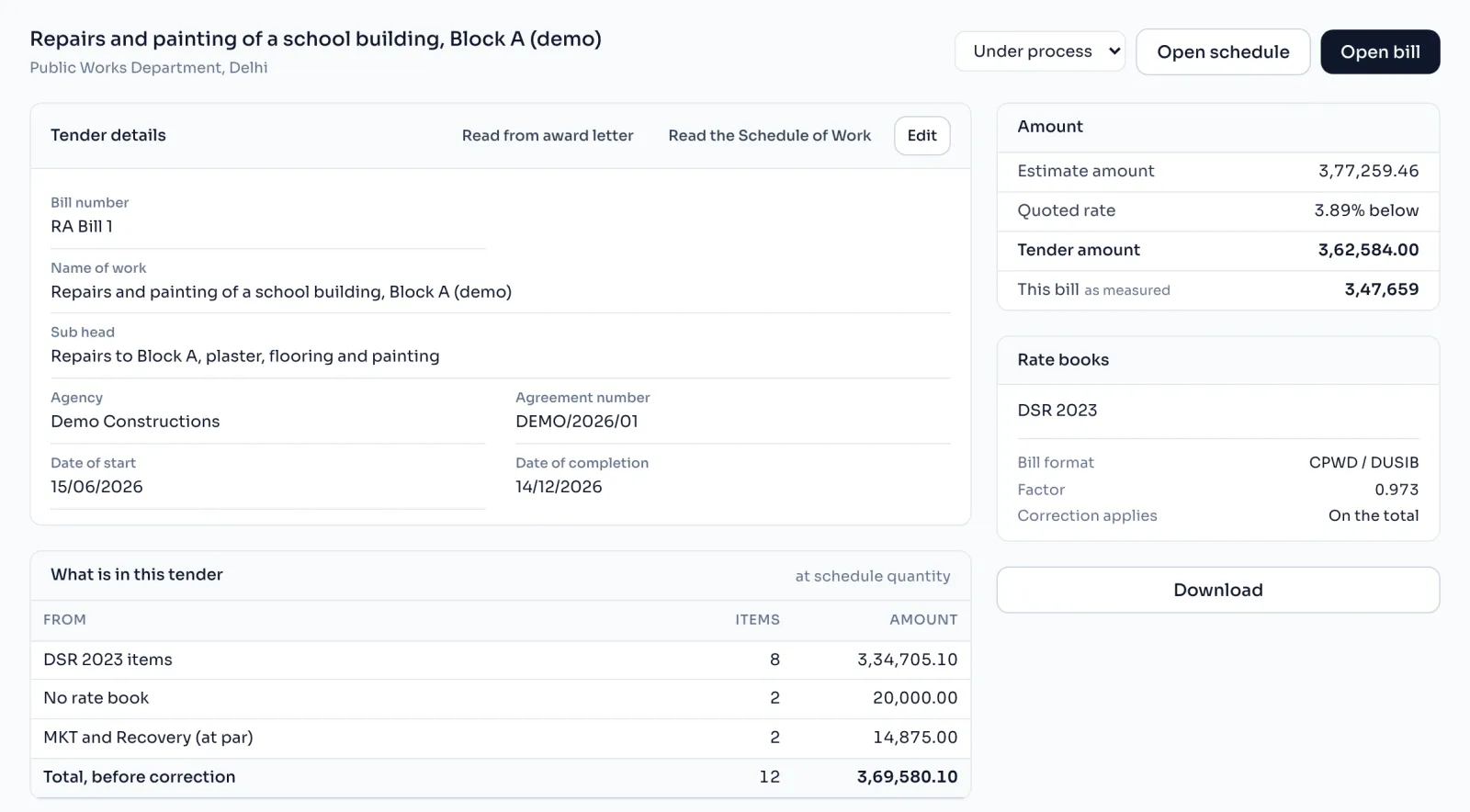
- Our AI reads and matches. Every item code is matched to the DSR as mentioned in your schedule. The rate comes from the DSR book, never from the photo. Anything it cannot match is marked for you to cross verify.
- Verify and get the bill. Confirm the lines. Schedule of Work, Measurement, Abstract and Cement Statement come out together, in Excel in your department format.
Things to know
- The rate books are the CPWD Delhi Schedule of Rates, DSR 2023 with 5,793 items and DSR 2016 with 4,862 items. Delhi is the only state you can pick today.
- You can also type the schedule in by hand, and it makes exactly the same bill.
- Nothing the AI reads goes on your tender until you press Apply, and the rate always comes from the book.
- Making and checking the bill on screen is free, and you pay only when you download it. Your first bill is free. What a bill costs
- Your tenders stay inside your firm's account.
- The bill excel has 10 sheets, from the Schedule to the Completion Certificate. The 10 sheets in the bill