What it reads
| Paper | What it reads |
|---|---|
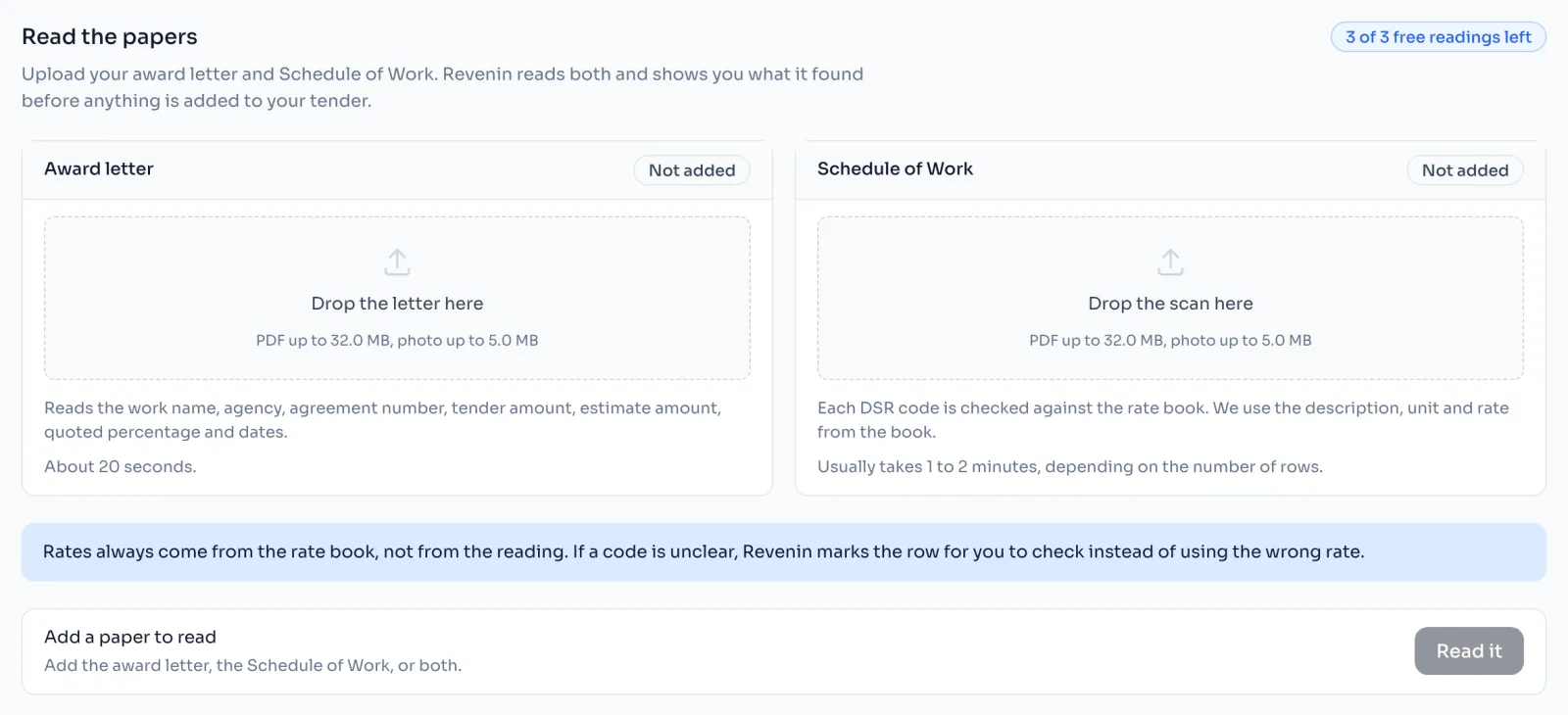
| Schedule of Work | Each row's S.No, code, description, unit and quantity, in the order printed on your paper |
| Award letter | The work name, agency, agreement number, tender amount, estimate amount, quoted percentage and the dates |
What it never does
- It never sets a rate. Every code is looked up in your tender's rate book, and the book's description, unit and rate are used, not what the paper says.
- It never guesses quietly. A code it cannot read clearly or cannot find is marked Check or Not found, with the closest items shown for you to pick.
- It never changes your tender by itself. What it read waits on the Revenin AI page until you check it and press Apply.
- It never renumbers. S.No is kept exactly as printed.
Things to know
- Each paper you read is one reading. The first 3 readings are free. Free readings and AI credits
- You can always type the schedule in by hand instead. It builds exactly the same bill.
- Every reading is kept with its tender, and you can open it and apply it again later.
- How your papers are kept, and who reads them, is on the Privacy page.
How it is worked out
For each row it reads, Revenin AI works through the same checks:
- Read the code from the paper.
- Look the code up in the tender's rate book.
- One item found: it is marked From the book, with the book's description, unit and rate.
- More than one item, or a code that is not clear: it is marked Check, with the closest items to pick from.
- No item found: it is marked Not found, and the paper's text is kept for you to sort out.
The quantity is read from the paper and kept unrounded. Your quoted percentage is applied later, in the bill.